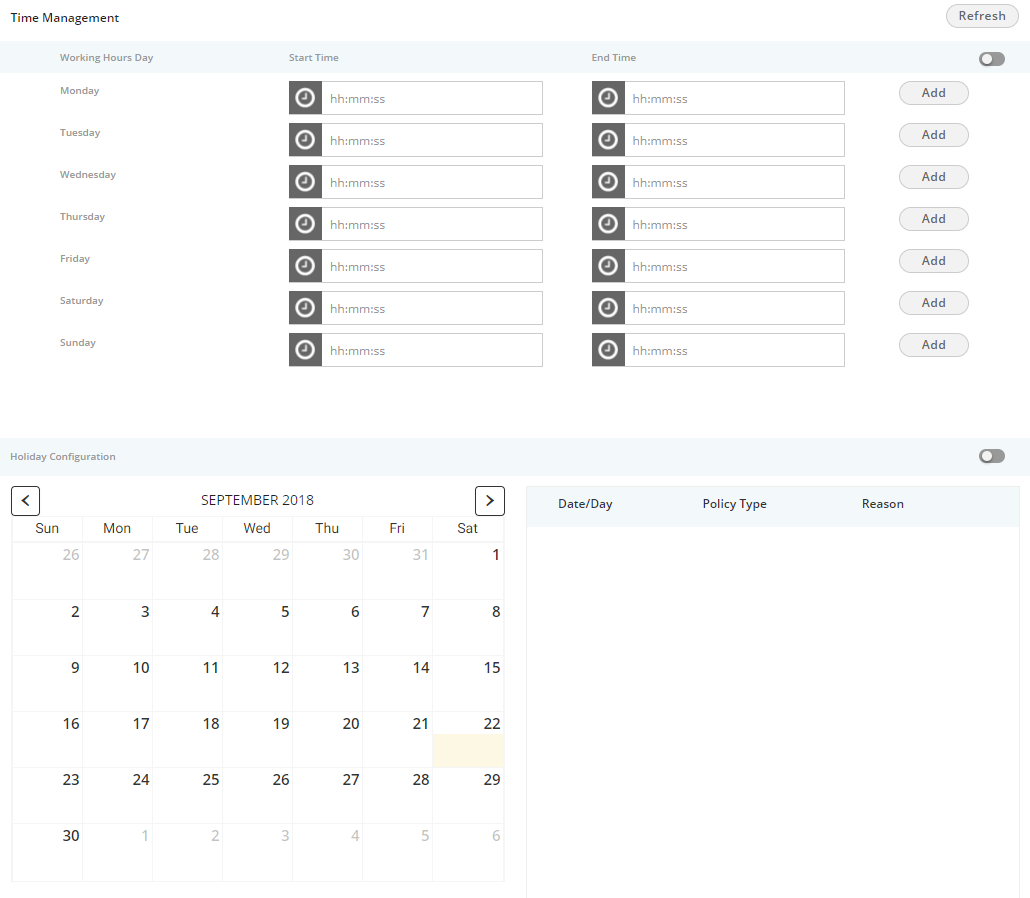
Holiday/Office Timings is a feature which defines the holiday and office hour timings. This feature is licensed. This tab will be only visible if holiday/ office timing license is procured at the center.
Figure: Holiday/Office Timings Tab
Perform the following step to configure the working hours.
If this is not enabled, then office hour configuration will not be configured.
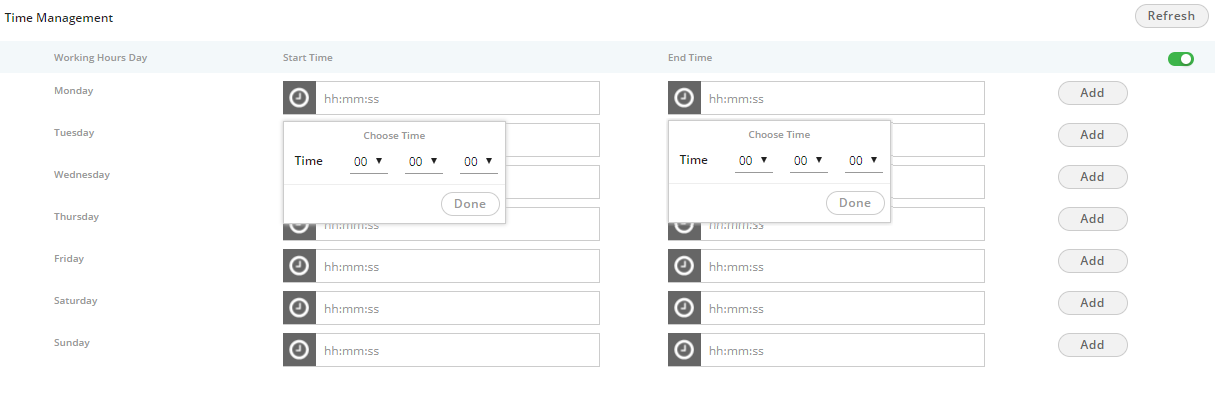
Figure: Define Working Hours
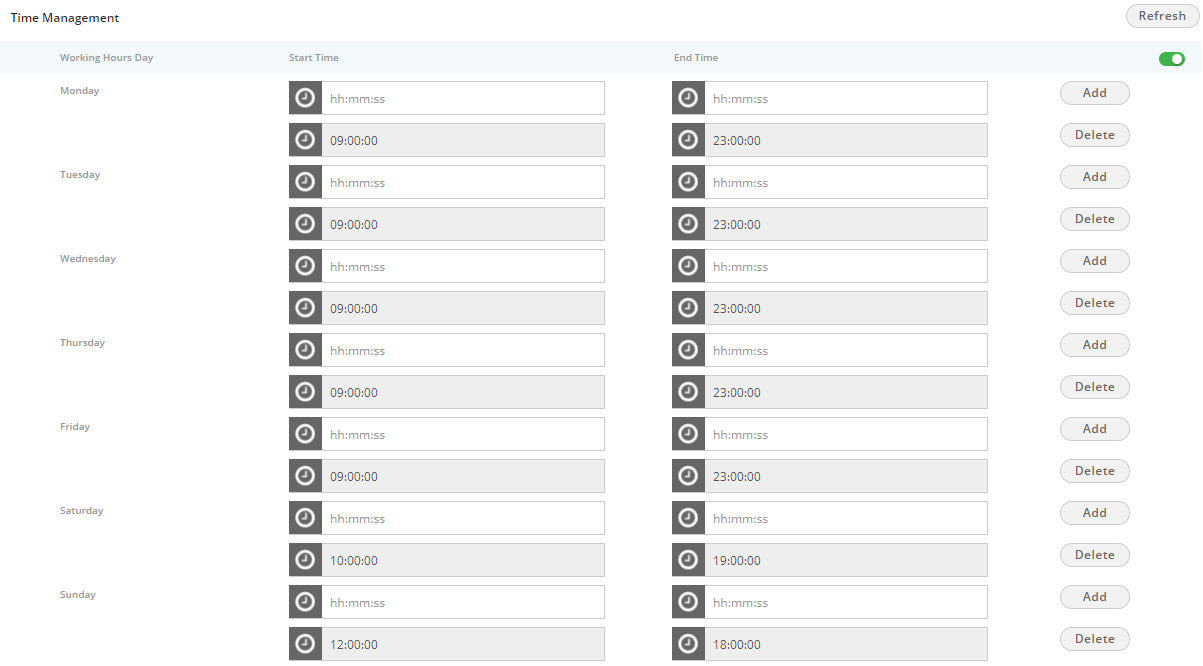
Figure: Defined Working Hours
To delete the working hour for a day, click "Delete" for that row.
The Administrator can enable Holiday at system level under this option by sliding the holiday configuration bar towards right. If this is not enabled, then holiday configuration will not be configured.
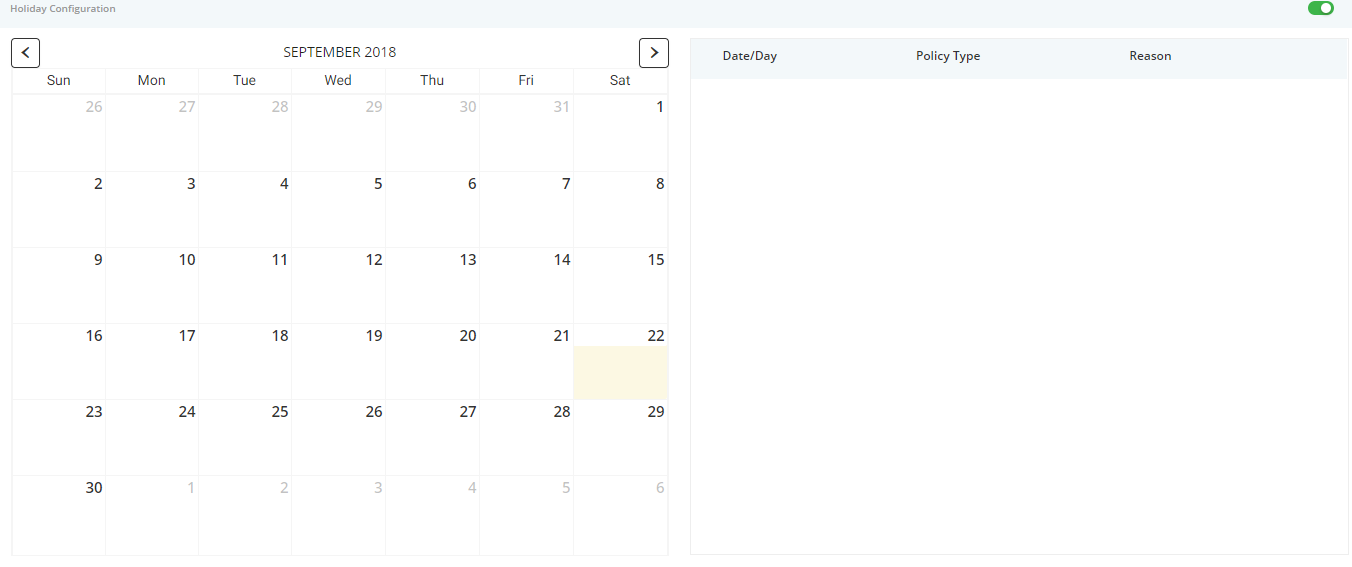
Figure: Holiday Configuration
Perform the following steps.
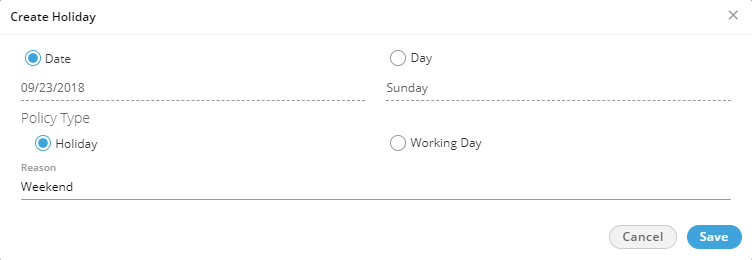
Figure: Create Holiday or Working Day
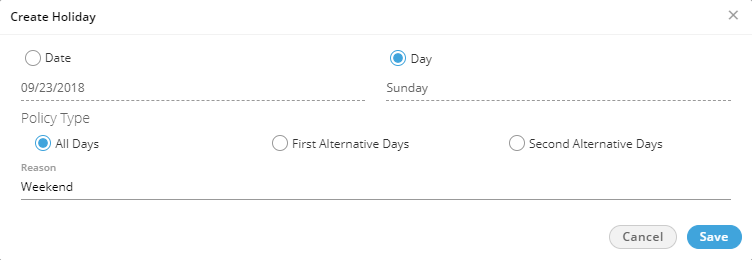
Figure: Create Reoccuring Holidays
After selecting it, select any of the following options.Holiday
on an alternate day mean if the holiday is marked on the first
week then the next holiday on the same day will be on the third
week. There will be no holiday in the second week on the selected
day.
Here, you can select whether to start alternate holidays on first
week or second week.
Following is a sample screenshot.
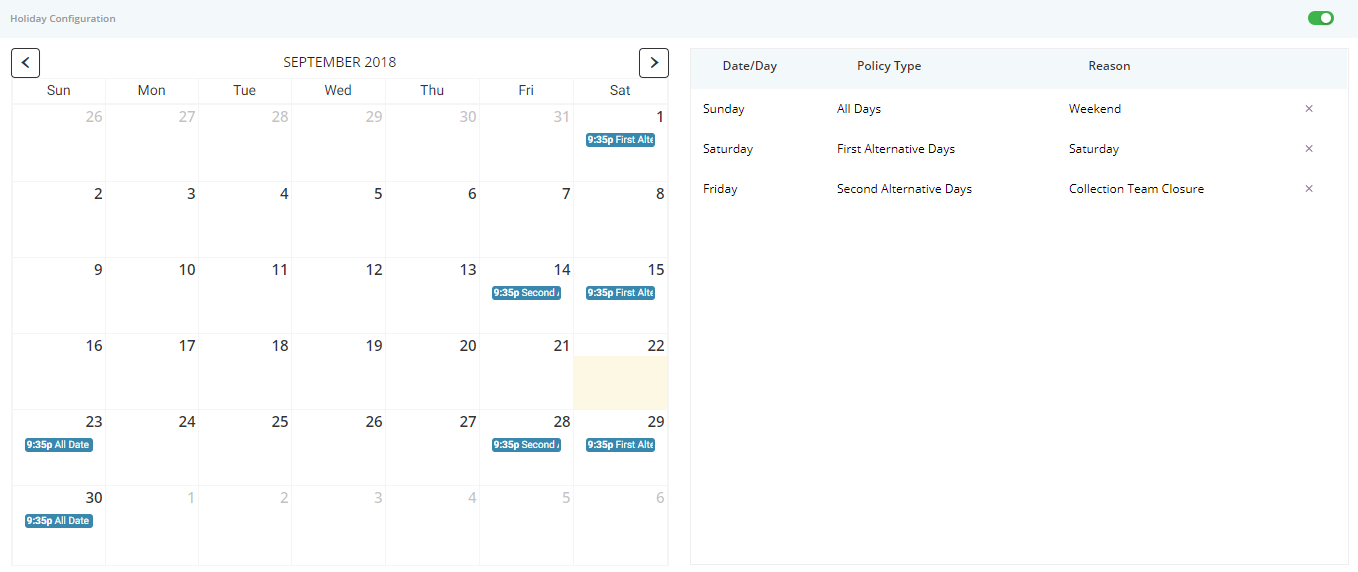
Created the holidays
To delete a holiday, click "X" for a holiday in the right side section.