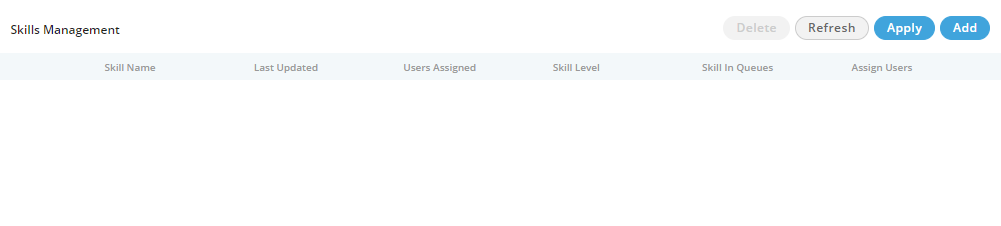
Skill-based routing (SBR) is a component of automatic call distributor (ACD) systems that filters and directs incoming inquiries to call center agents with the most applicable skill sets.
Figure: Skills Tab
By closely matching an incoming call to the call center agent best-prepared to address a particular issue, callers experience shorter wait times and faster resolution of their issues, reducing Average Handle Time. Because the agents are trained for more specific skill sets, less training is required.
Furthermore, the most highly-skilled agents can be assigned to important clients, targeting resources where they will provide the most return for the call center. These factors significantly reduce abandon rates and increase agent utilization, productivity and overall call center efficiency.
As per different Queues/DIDs, different skills can be created.
Administrator may create new Skills by following below steps.

Figure: Adding a New Skill
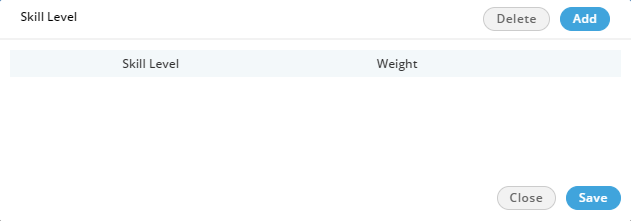
Figure: Row to Add a Skill Level
Here, click "Add" button to add a skill level. Enter the name of skill level and its weightage.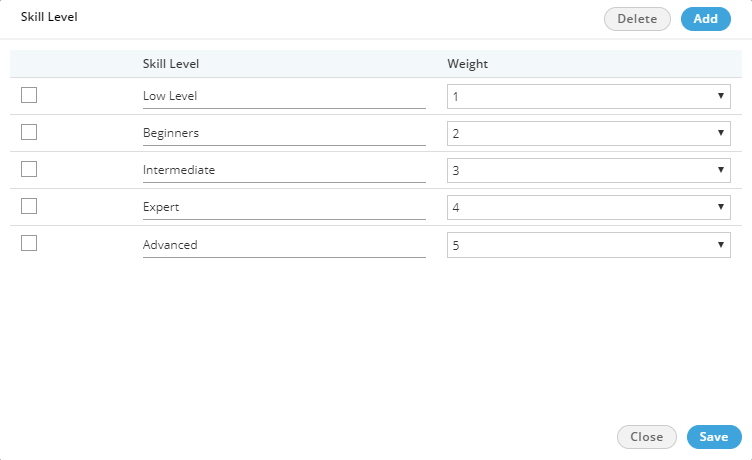
Figure: Adding Skill Levels
You can select a skill level name and click "Delete" it.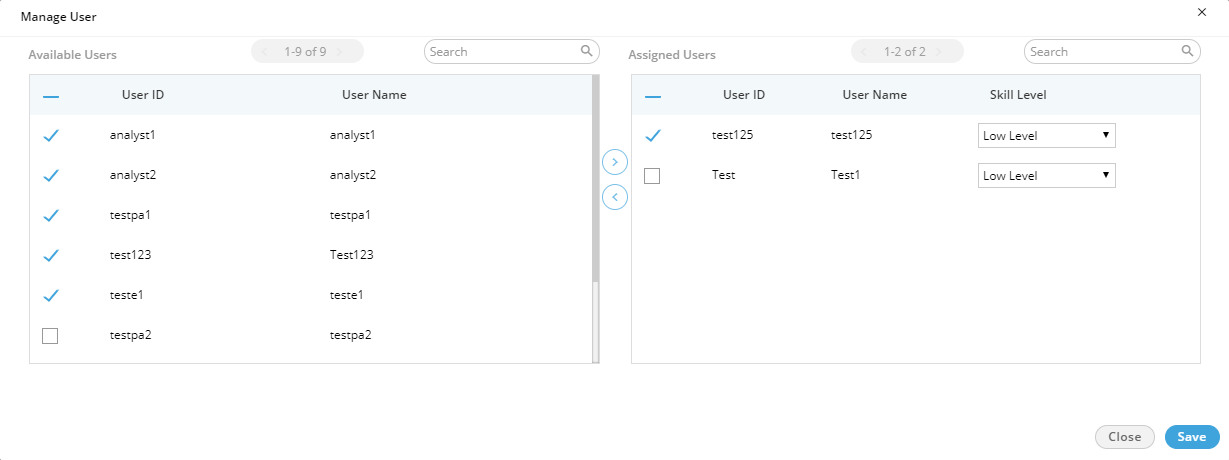
Figure: Manage Users
Perform the following steps here.
Figure: Added Skills
The deleted skill cannot be retrieved. Also, the deleted skill will not be applied in the selected queue and campaign.
To delete a skill, select it and click "Delete" button. The warning message is displayed on the screen. Click "Yes" to delete the selected skill. Else, click "No" to not delete the