Download PDF
Ameyo Administrator Login
The Administrator has an access to web based interface with privilege to manage a single tenant, its campaigns, users, call managers etc. In order to access the administrator screen, user needs to select the desired language from the drop down provided at top right corner of the screen.
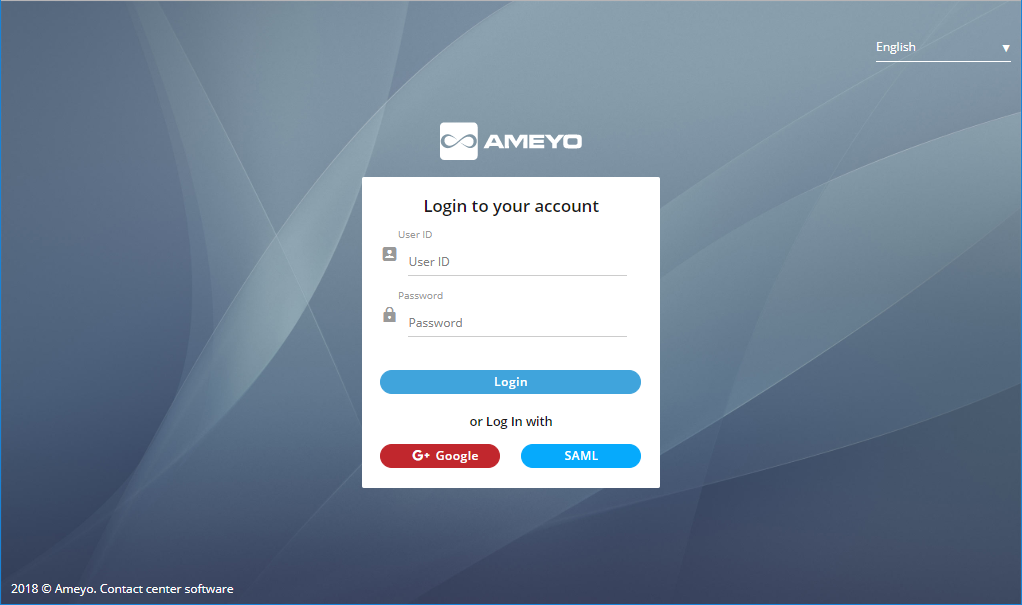
Figure: Login Screen
- Use any of the following methods to login.
- Normal Login: The agent needs to enter the "User ID" and "Password" which is provided by the administrator in the login screen and click "Login".
- Login with SAML: Security Assertion Markup Language(SAML) is an XML-based framework for ensuring that transmitted communications are secure. SAML can be be utilized to exchange authentication information, allowing single sign on capabilities for Web services. For example, If a customer has an Identity Provider (IDP) and requires that authentication of users should be done using the same IDP, an integration between Ameyo and the IDP will be done to allow single sign on through SAML. Significance of using SAML is that users don't have to use Ameyo user credentials to login, instead the users log in using single sign on with the integrated IDP.
Click "SAML" to login with your SAML Account hosted at your IDP (Identity Provider).
- Google: User can also login using its Google account. User don’t have to use Ameyo user credentials to login, instead users can login using Single-Sing-On by just logging into its Google account.
Click "Google" to login with your Google account.
After the Administrator logins successfully, the "System" tab is displayed.